Introduction
The web never stops moving — and 2026 is proving that faster than any year before it. What felt experimental just twelve months ago is now the expected baseline. What was cutting-edge in 2024 is already starting to look dated.
For businesses and developers alike, keeping up with web design trends isn't about chasing the latest aesthetic fad. It's about understanding where user expectations are heading, where Google's ranking signals are pointing, and where your competitors are already investing. Falling even one major trend behind can mean losing ground that takes years to recover.
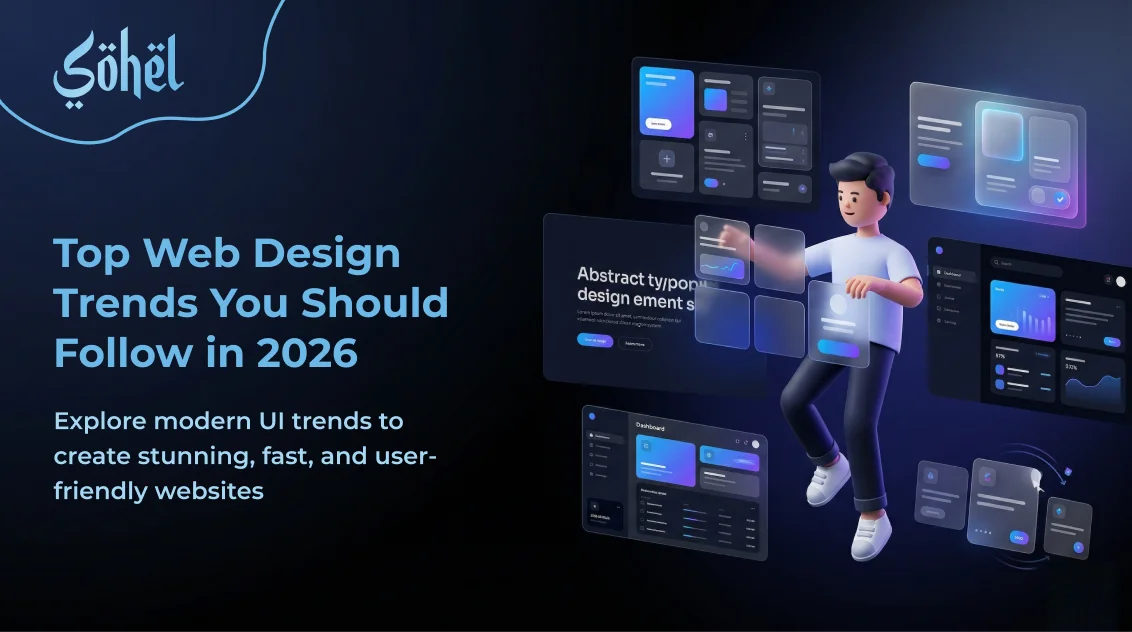
In this guide, we break down the eight most important web design trends defining 2026 — what they are, why they matter, and what you can do to start implementing them today.
Why Web Design Trends Matter More Than Ever in 2026
In 2026, web design directly impacts three things that every business cares about: search rankings, conversion rates, and user trust. Google's AI-powered ranking systems now evaluate how a website feels to real users — not just what keywords it contains. A site that loads slowly, feels visually dated, or ignores accessibility will lose rankings to a competitor that doesn't.
At the same time, user expectations have been permanently raised by the apps they use daily. When someone lands on your website, they're subconsciously comparing it to the best digital experience they've had this week. Meeting that bar — or exceeding it — is now the price of entry.
Better Rankings
Google's AI evaluates design quality, speed, and UX as direct ranking signals in 2026.
Higher Conversions
Modern design patterns reduce friction and guide visitors to take action faster.
Stronger Trust
Users judge credibility within 50ms of landing on a page. Design is your first impression.
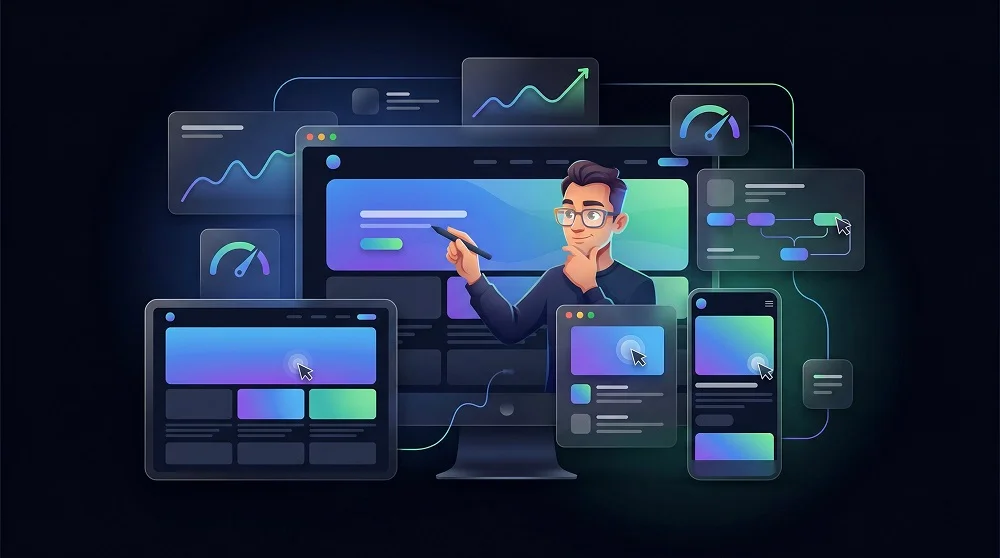
8 Web Design Trends Dominating 2026
AI-Powered Personalization & Adaptive UI
The era of the one-size-fits-all website is officially over. In 2026, leading websites adapt their layout, content, headlines, and calls-to-action in real time based on who is visiting — their location, device, traffic source, past behavior, and intent signals.
This isn't just enterprise technology anymore. Tools like Dynamic Yield, Optimizely, and lightweight AI personalization layers built into platforms like Webflow and HubSpot make adaptive UI achievable for businesses of all sizes. The result: visitors see the content most relevant to them, which dramatically reduces bounce rates and increases the likelihood of conversion.
From a design perspective, this means building layouts with flexible content blocks — hero sections, CTAs, and testimonial strips that can swap their content dynamically without breaking the visual design. Designing for personalization is now a core web design skill.
Organic Layouts & Anti-Grid Design
After years of rigid grid systems and sharp-edged minimalism, 2026 is seeing a decisive shift toward organic, flowing design. Soft shapes, irregular layouts, fluid gradients, and asymmetrical compositions are replacing the predictable 12-column grid that defined the 2018–2023 era.
This trend reflects something deeper than aesthetics: as AI-generated interfaces become more uniform, human-crafted design is differentiating itself through warmth, personality, and intentional imperfection. Brands that lean into organic design feel more trustworthy, approachable, and creative — all qualities users are increasingly craving in a world of automated sameness.
Practically, this means incorporating SVG blob shapes, layered gradient meshes, overlapping sections, and diagonal flow breaks into your designs. The key is balancing creative layout with clear visual hierarchy — organic doesn't mean chaotic.
Server-First Rendering & Instant-Feel Interfaces
Performance has always mattered, but in 2026 it's the #1 web design trend with the most direct business impact. The industry has made a decisive swing back to server-side rendering, powered by React Server Components (RSC) and the widespread adoption of meta-frameworks like Next.js 15 and Nuxt 4.
The principle is simple: instead of sending massive JavaScript bundles to the browser and making users wait for everything to load client-side, the server does the heavy lifting and delivers fully rendered HTML that feels instant. Only the interactive parts of the page — forms, dropdowns, animations — receive JavaScript.
For designers, this trend means rethinking the distinction between static and dynamic elements at the design stage. For developers, it means embracing server components as the default and treating client-side JavaScript as a privilege to be earned, not a habit to fall back on.
Accessibility-First Design as a Legal Requirement
Accessibility is no longer optional — it's legally required. Stricter global regulations around digital accessibility, including the European Accessibility Act coming into full enforcement in 2025–2026, mean that businesses with inaccessible websites now face real legal and financial consequences.
But beyond compliance, accessibility-first design is simply good design. Proper color contrast, keyboard navigability, screen-reader-friendly markup, clear focus states, and logical heading hierarchies all make websites better for every user — not just those with disabilities. Fast, readable, well-structured pages are exactly what both users and search engines reward.
The AI wave is making this more urgent, not less. AI-generated interfaces frequently miss accessibility fundamentals — creating a massive opportunity for thoughtful designers who build accessibly from the start to stand out.
Functional Micro-Animations & Motion Design
In 2026, animation has matured from a decorative flourish into a core UX tool. The shift is toward functional motion — animations that guide users, confirm actions, and communicate system status — rather than animations that exist purely to impress.
Micro-interactions on hover states, smooth page transitions, skeleton loading screens that feel intentional, and scroll-triggered reveals that draw attention to key content — these are the motion patterns that top-performing websites use in 2026. They reduce cognitive load and create a sense of fluidity that makes even complex products feel effortless to use.
The golden rule: every animation must earn its place. If removing it makes the interface harder to understand or less satisfying to use, it belongs. If it's purely decorative, reconsider. Performance budgets are real, and unnecessary animations are a fast route to poor Core Web Vitals scores.
Bento Grid Layouts for Information-Dense Interfaces
Popularized by Apple's product pages and widely adopted across SaaS, portfolio, and marketing sites, the bento grid layout is one of 2026's most visible design trends. Named after the Japanese bento box, this layout style arranges content in modular, asymmetrical grid cells of varying sizes — each containing a focused piece of information, a feature highlight, or a visual element.
Bento grids work because they solve a real design problem: how do you present multiple features or benefits on a single page without it feeling like a list? The answer is visual hierarchy through size variation. A large cell draws the eye first, smaller cells provide supporting context, and the overall composition feels structured yet dynamic.
For service businesses and agencies, bento grids are particularly powerful on "What I Do" or "Services" sections — replacing tired bullet-point lists with visually engaging, scannable layouts that communicate professionalism instantly.
Dark Mode as a Design Baseline, Not an Option
Dark mode has crossed the threshold from "nice feature" to user expectation. In 2026, over 80% of users on mobile devices have dark mode enabled at the OS level — and they expect the websites they visit to respect that preference automatically. Sites that ignore this signal are fighting against the ambient experience their users have chosen.
Beyond system preference detection via prefers-color-scheme, the best 2026 dark mode implementations use CSS custom properties and Tailwind's dark: variant to maintain full design control across both themes — ensuring that colors, contrasts, shadows, and imagery all look intentional whether the user is in light or dark mode.
For new website projects in 2026, the professional standard is to design both modes from the start — not to retrofit dark mode as an afterthought once the light version is built.
Kinetic Typography & Bold Variable Fonts
Typography is having a moment in 2026 — and it's loud. Kinetic typography (text that moves, animates, or responds to scroll and cursor position) is becoming a defining visual characteristic of premium, design-forward websites. Combined with variable fonts that shift weight, width, and style fluidly, this trend allows designers to pack enormous visual energy into a single typographic element.
Variable fonts — supported natively in all modern browsers — eliminate the need to load multiple font weight files. A single font file can handle everything from ultra-light to ultra-bold, with smooth transitions between any point on the axis. This dramatically improves load performance while giving designers unprecedented typographic control.
For businesses, bold typography is a trust signal. A company that invests in expressive, distinctive type choices communicates confidence, professionalism, and attention to detail — all before a visitor reads a single word of content.
Which Trends Should You Prioritize First?
Not every business needs to implement all eight trends simultaneously. The right starting point depends on what your current website is missing most and where your specific audience will feel the biggest impact.
Start Here — Highest Impact
- Server-first performance — affects rankings, conversions, and bounce rate immediately
- Accessibility — legal requirement + direct SEO benefit
- Dark mode support — matches 80%+ of users' OS preferences today
Next Phase — Visual Differentiation
- Bento grid layouts for service or feature sections
- Organic shapes and anti-grid layouts for hero sections
- Variable fonts and bolder typographic hierarchy
The Real Cost of Ignoring These Trends:
53%
of users abandon a site that takes longer than 3 seconds to load
50ms
is how long users take to form a first impression of your website's design
88%
of users won't return after a bad website experience
How to Apply These Trends to Your Business Website
You don't need to rebuild your entire website to start benefiting from these trends. In most cases, a targeted redesign of key pages — your homepage, services page, and contact section — combined with a performance and accessibility audit can bring your site into 2026 standards without starting from zero.
Run a Performance Audit First
Use Google PageSpeed Insights and Lighthouse to identify your biggest Core Web Vitals issues before touching the design.
Redesign Hero Sections with Organic Elements
Replace rigid grid hero layouts with fluid, overlapping compositions and soft gradient backgrounds that feel modern and human.
Convert Service Lists to Bento Grids
Transform your flat services section into a modular bento grid layout with visual hierarchy and icon-led card components.
Add Dark Mode Support
Implement prefers-color-scheme detection and Tailwind's dark variant across all pages to match user OS preferences automatically.
Audit for Accessibility Compliance
Run your site through WAVE or Axe DevTools to identify and fix contrast, focus state, and semantic markup issues.
A phased approach — tackling performance and accessibility first, then visual redesign — gives you the fastest route to a measurably better website without the risk and cost of a full rebuild.
Conclusion
Web design in 2026 is defined by a powerful tension: the web is becoming more automated and AI-driven than ever before, while users are craving more human, warm, and personal digital experiences than ever before. The businesses that win are the ones that understand both sides of this equation.
From server-first rendering and AI personalization to organic layouts and kinetic typography, these eight trends represent the clearest signal yet of where the web is heading. Implementing them isn't about being trendy — it's about meeting your users where they already are, and staying ahead of competitors who haven't made the move yet.
Your website is your most visible business asset. In 2026, it should reflect the quality, craft, and intelligence of everything you do.
Great web design in 2026 isn't about following trends. It's about understanding why each trend exists — and using it to serve your users better.
Ready to upgrade?
Let's build your AI-ready website
From performance optimization to chatbot integration — get a website that works as hard as you do, 24/7.
Start a Project →
Professional Web Designer and WordPress Developer from Gujarat, India. Helping brands grow online through clean, fast, and conversion-focused websites.
View Profile