
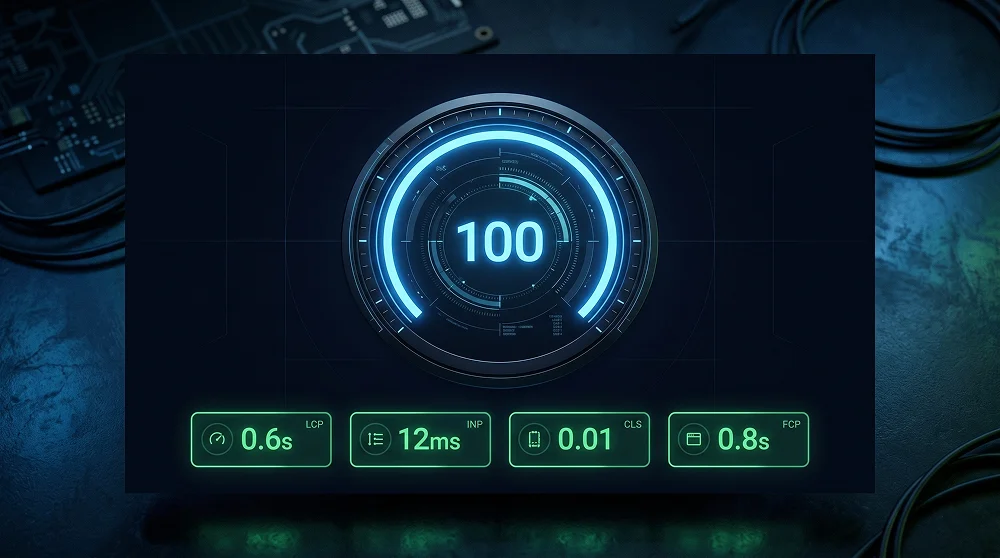
Google has been clear for years: page speed is a ranking factor. In 2026, with Core Web Vitals baked directly into the ranking algorithm, a 1-second delay reduces conversions by 7%. A score below 50 means Google is actively suppressing your visibility. A score of 90–100 gives you a measurable edge over every competitor who hasn't done this work.
Whether you're running a blog, a service site, or a WooCommerce store — achieving a perfect PageSpeed score in 2026 is completely achievable. This guide covers every fix in priority order.
Understanding Core Web Vitals in 2026
| Metric | What It Measures | Good Score |
|---|---|---|
| LCP (Largest Contentful Paint) | How fast the main content loads | Under 2.5 seconds |
| INP (Interaction to Next Paint) | Responsiveness to user interactions | Under 200ms |
| CLS (Cumulative Layout Shift) | Visual stability of page content | Under 0.1 |
| FCP (First Contentful Paint) | How fast any content first appears | Under 1.8 seconds |
Step 1: Start With the Right Hosting
No amount of plugin optimisation can overcome bad hosting. The minimum for a serious WordPress site in 2026: a managed host with LiteSpeed or Nginx servers and PHP 8.2+. Shared cPanel hosting on Apache is the single biggest performance killer still sold by most cheap Indian providers.
- Hostinger Business/Cloud — LiteSpeed servers with built-in object cache. Best price-to-performance for Indian developers.
- Cloudways (DigitalOcean) — Managed cloud with Nginx + Redis object cache. Excellent for client sites that need to scale.
- Kinsta — Premium managed WordPress on Google Cloud C2 machines. Best-in-class TTFB globally.
Step 2: Image Optimisation
Images are the single largest contributor to page weight on most WordPress sites. The 2026 standard: every image in WebP or AVIF format, correctly sized, and lazy-loaded below the fold.
- Convert to WebP automatically — Imagify, ShortPixel, or Optimole. Average file size reduction: 30–80%.
- Add explicit width and height — Always define both on every img tag to eliminate CLS caused by images loading in.
- Preload your LCP image — Add
<link rel="preload" as="image">for your hero image. Improves LCP by 0.5–1.5 seconds single-handedly.
Step 3: Caching and Minification
Caching stores a static version of your pages so WordPress doesn't rebuild from the database on every request. For LiteSpeed use LiteSpeed Cache (free). For Nginx/Apache use WP Rocket. Key wins: enable page caching, minify CSS/JS/HTML, defer non-critical JS, and enable Redis object caching.
Step 4: Font Optimisation
Google Fonts from an external server add a DNS lookup before fonts render. Self-host your fonts. This pairs especially well if you're building with Tailwind CSS v4 — the new Oxide engine already reduces CSS payload significantly, so self-hosted fonts mean your entire above-the-fold render is served from your own infrastructure.
<link rel="preload" href="/fonts/syne-bold.woff2" as="font" type="font/woff2" crossorigin>

@font-face {
  font-family: 'Syne';
  src: url('/fonts/syne-bold.woff2') format('woff2');
  font-weight: 700;
  font-display: swap;
}
Quick Win Checklist
- Enable Cloudflare (free) — CDN and DDoS protection in 5 minutes
- Activate LiteSpeed Cache or WP Rocket — page cache + CSS/JS minification
- Convert all images to WebP via Imagify or ShortPixel
- Preload LCP hero image with
<link rel="preload" as="image"> - Self-host Google Fonts with font-display: swap
- Disable unused plugin scripts per page with Asset CleanUp
- Set explicit width and height on every img tag to prevent CLS
Performance is also directly tied to security — a locked-down server with Cloudflare WAF acts as both a CDN and attack shield. See our WordPress security guide for the exact Cloudflare configuration that delivers both speed and protection in one setup.

Want a Website That Scores 90+ on PageSpeed?
I build WordPress websites with performance baked in from day one — proper hosting, optimised images, clean code, zero plugin bloat.
Get a Free Speed Audit
Professional Web Designer and WordPress Developer from Gujarat, India. Helping brands grow online through clean, fast, and conversion-focused websites.
View Profile