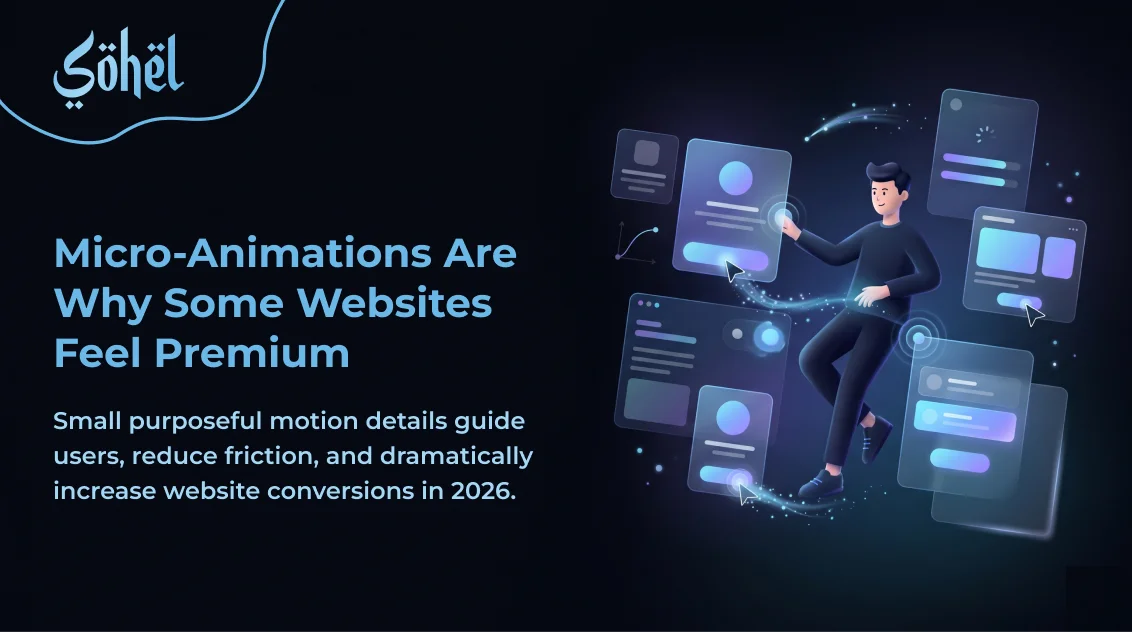
Have you ever visited a website and just felt that it was premium — before you consciously registered why? You hover a button and it lifts slightly. You scroll and content slides in with purpose. You submit a form and a smooth checkmark confirms your action. None of these interactions are strictly necessary. All of them, collectively, create a feeling of quality that flat, static websites can never replicate. These are micro-animations — and in 2026, as AI-generated websites flood every niche with identical layouts, they are one of the last true design differentiators.
As a web designer who builds motion into every project, I've seen micro-animations directly increase time-on-site and form submission rates on client websites. This guide covers every type, the golden rules, and the exact CSS code you need.
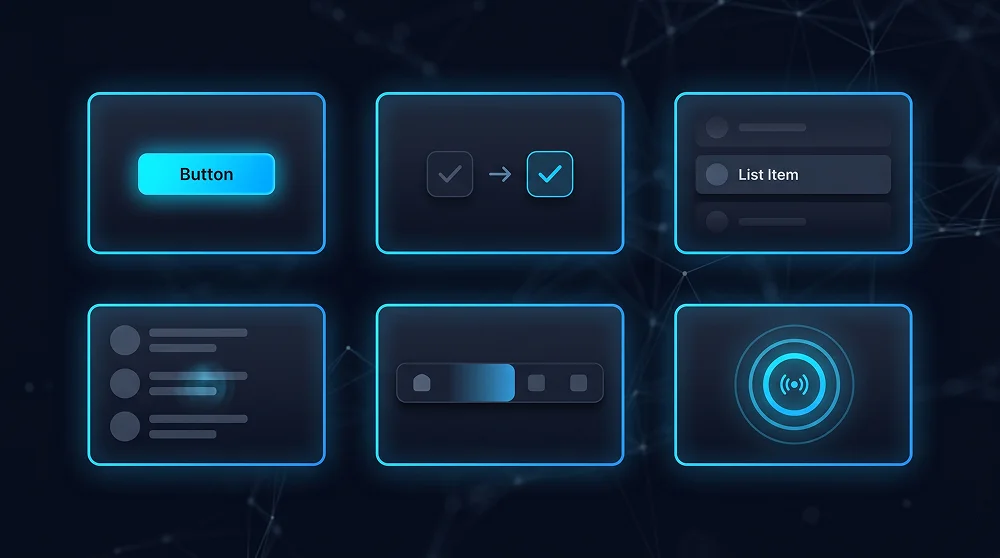
The 6 Types of Micro-Animations Every Website Needs
Hover Feedback
Buttons, cards, and links that respond visually when cursor enters them. Confirms interactivity before the click.
State Confirmation
A form submission checkmark, a button that changes to "Sent!", a toggle that smoothly flips. Confirms the action was registered.
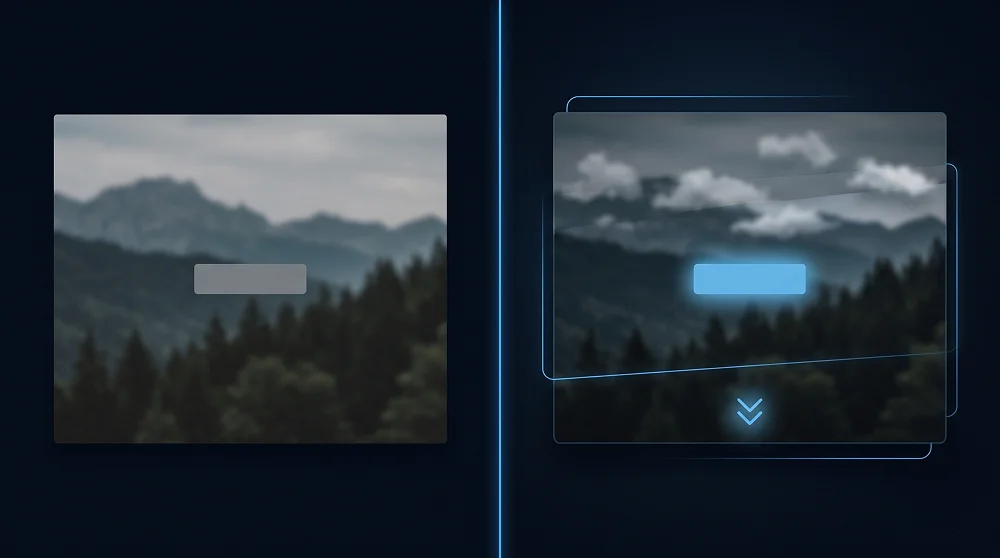
Scroll Reveals
Content that fades or slides into view as the user scrolls. Adds narrative flow and keeps users engaged down the page.
Loading States
Skeleton screens, progress indicators, and spinners that say "working on it" rather than freezing silently.
Navigation Transitions
Smooth page transitions, animated dropdowns, and mobile nav slides. Removes visual jarring between states.
Attention Directing
Subtle pulse on a CTA, a gentle bounce on a scroll indicator. Guides eyes to what matters most.
The 4 Golden Rules of Micro-Animation
- Keep it under 300ms — 150–250ms is the sweet spot. Over 500ms starts to feel slow and breaks flow.
- Every animation must have a purpose — If you can't explain why an element animates, remove it. Purposeless animation is visual noise.
- Use ease curves, never linear — Use ease-out for elements entering, ease-in for leaving, cubic-bezier for custom feel.
- Respect prefers-reduced-motion — Always wrap animations in
@media (prefers-reduced-motion: no-preference). Accessibility is non-negotiable.
Micro-Animations on Dark Backgrounds
Animations behave differently on dark backgrounds — glows, shadows, and opacity transitions are significantly more visible against dark surfaces. When building animations for a dark-themed site, reduce shadow spread and increase glow radius instead. Building your dark UI from scratch? Read our complete guide on dark mode web design best practices — the elevation and colour rules there directly affect how animations read on screen.
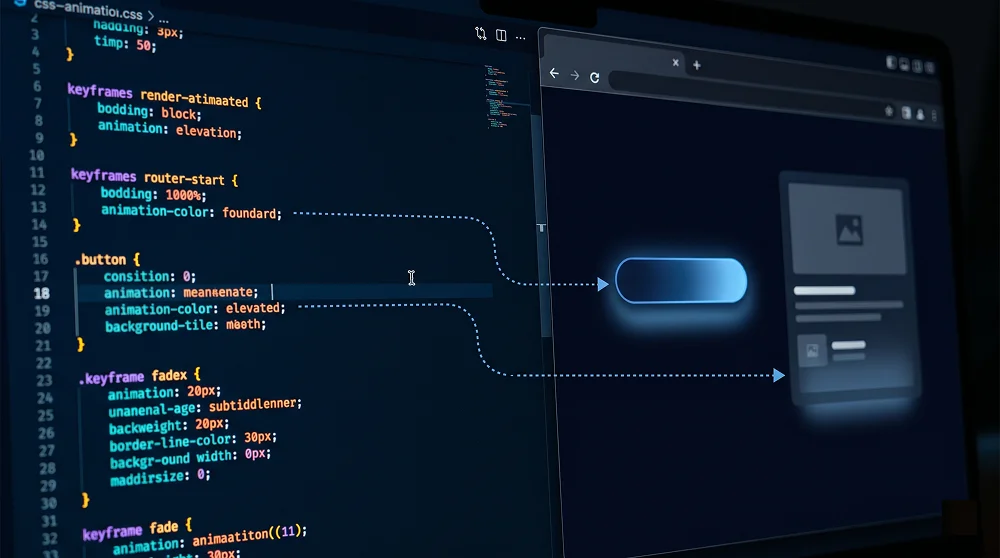
CSS Implementation: Real Code Examples
/* Hover lift */
.btn {
  transition: transform 200ms ease-out, box-shadow 200ms ease-out;
}
.btn:hover {
  transform: translateY(-2px);
  box-shadow: 0 8px 24px rgba(108,184,230,0.25);
}

/* Scroll reveal */
.reveal {
  opacity: 0;
  transform: translateY(20px);
  transition: opacity 400ms ease-out, transform 400ms ease-out;
}
.reveal.visible { opacity: 1; transform: translateY(0); }

/* Attention pulse on CTA */
@keyframes pulse-glow {
  0%,100% { box-shadow: 0 0 0 0 rgba(108,184,230,0.4); }
  50%      { box-shadow: 0 0 0 8px rgba(108,184,230,0); }
}
.cta-pulse { animation: pulse-glow 2s ease-in-out infinite; }

/* Accessibility */
@media (prefers-reduced-motion: reduce) {
  *,*::before,*::after {
    animation-duration: 0.01ms !important;
    transition-duration: 0.01ms !important;
  }
}
Mobile Micro-Animations
Touch interfaces require a different animation approach than desktop. Hover states don't exist on mobile — animations must respond to tap, swipe, and focus. Keep animations shorter on mobile (under 200ms) since touch feels more immediate. For a complete guide on designing touch-first experiences, read our article on mobile-first design in 2026 — the touch target and interaction principles there pair directly with micro-animation implementation.
Tools for Micro-Animations in 2026
| Tool | Best For | Learning Curve |
|---|---|---|
| GSAP | Complex, timeline-based animations | Medium |
| Framer Motion | React component animations | Low–Medium |
| AOS (Animate on Scroll) | Scroll reveals via data attributes | Very Low |
| Tailwind CSS transitions | Hover/focus states in utility CSS | Low |
| Lottie | Complex vector animations from After Effects | Low (for playback) |
Want a Website That Feels as Good as It Looks?
I design and build websites with purposeful micro-animations and premium UI details that make your brand feel world-class.
See My Design Work
Professional Web Designer and WordPress Developer from Gujarat, India. Helping brands grow online through clean, fast, and conversion-focused websites.
View Profile