
Every business owner building an online store in 2026 hits the same wall: WooCommerce or Shopify? Most comparison articles are written by affiliate marketers who earn a commission regardless of which platform you pick. This guide is different. As a WordPress and WooCommerce developer who has built stores on both platforms for real clients, I'm giving you the honest breakdown — real costs, real limitations, real SEO differences, and a clear answer on which platform suits your business type.
Both platforms are excellent but built for fundamentally different businesses. Choosing the wrong one wastes months of setup time and thousands in unnecessary costs. Let's make sure you choose right.
What Is WooCommerce?
WooCommerce is a free, open-source eCommerce plugin for WordPress — the CMS that powers over 43% of all websites globally. It transforms any WordPress site into a fully functional online store with complete ownership of your data, code, and hosting environment. No monthly platform fees, no transaction cuts, and zero artificial limits on products or customisation. As of 2026, WooCommerce powers roughly 26% of all online stores worldwide — more than any other single eCommerce platform.
What Is Shopify?
Shopify is a fully hosted, all-in-one eCommerce platform. Pay a monthly subscription and Shopify handles everything: hosting, security, software updates, CDN, and payment processing. No servers to configure. No plugins to update. Shopify powers around 10% of global online stores and dominates North America and the UK for direct-to-consumer brands.
Pricing: The Real Cost Nobody Tells You
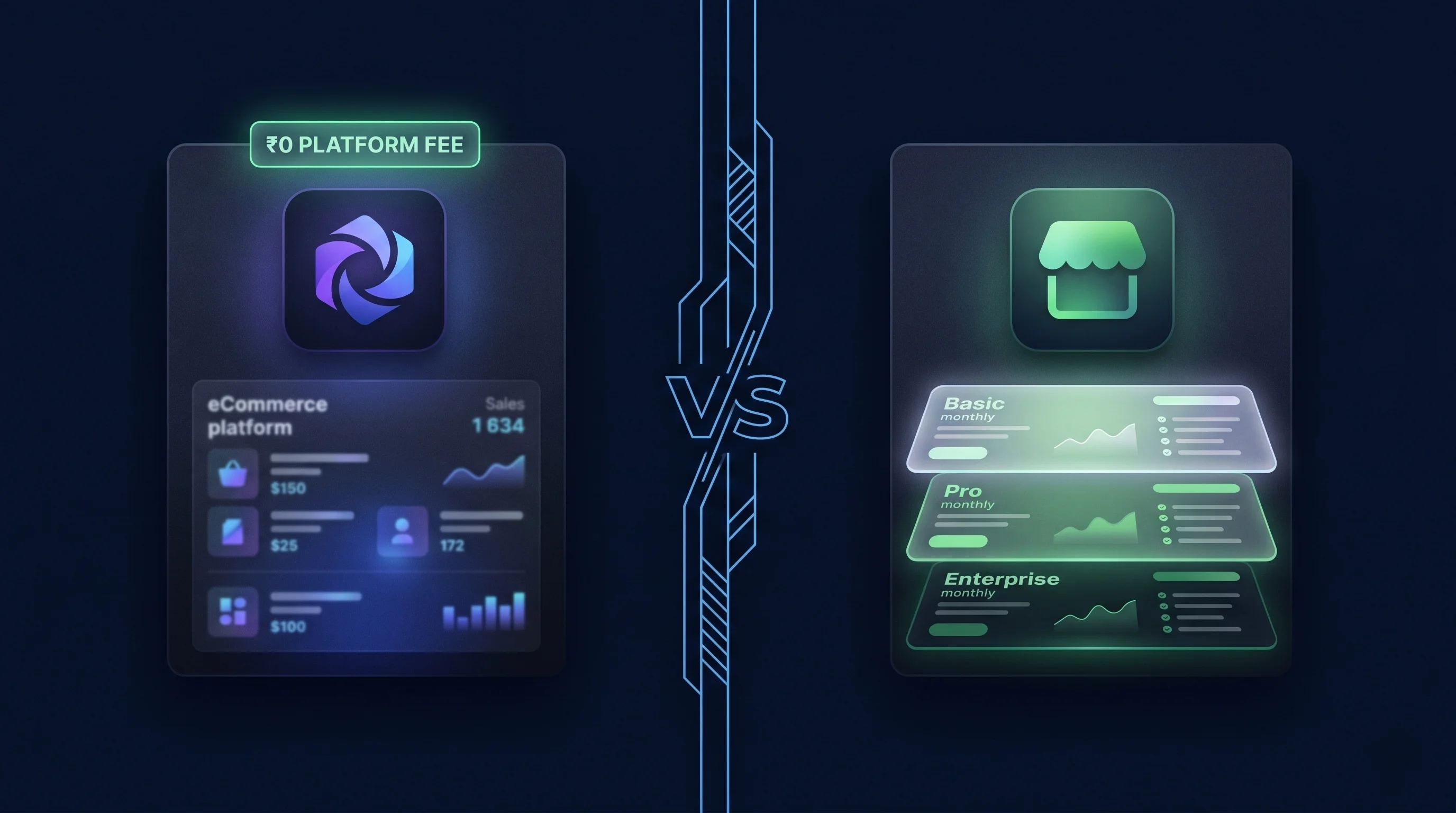
| Cost Factor | WooCommerce | Shopify |
|---|---|---|
| Platform fee | Free | $29–$299/month |
| Hosting | $5–$80/month (you choose) | Included in plan |
| Transaction fees | 0% (gateway fees only) | 0.5–2% extra if not using Shopify Payments |
| Essential apps/plugins | ₹0–₹15,000/year | ₹50,000–₹5,00,000+/year |
| Realistic Year 1 total | ₹15,000–₹50,000 | ₹40,000–₹1,20,000+ |
Performance: Speed Directly Impacts Sales
A slow store kills conversions — every 1-second delay reduces sales by up to 7%. WooCommerce performance is entirely in your hands. With the right hosting, caching, and image optimisation, a WooCommerce store can reach a Lighthouse score of 90+. Our guide on scoring 100 on Google PageSpeed for WordPress covers every technique that applies directly to WooCommerce stores.
SEO: Where WooCommerce Has a Structural Advantage
- Full URL control — No enforced /collections/ or /products/ prefixes Shopify locks you into permanently.
- Rank Math / Yoast SEO — Native WordPress SEO plugins with full schema markup, content analysis, and sitemap — free.
- Native blogging — WordPress is the world's best blogging platform. Content and products share one domain for maximum authority consolidation. This matters enormously for building E-E-A-T.
- No duplicate URL issues — Shopify generates two canonical paths per product. WooCommerce doesn't have this structural problem.
Security: Protecting Your Store
Security is a serious concern for any eCommerce site handling customer data. Before going live with any WordPress store, make sure you've followed a proper security hardening process. Our complete WordPress security guide for 2026 covers every step — from login protection to firewall setup to automated backups.
Who Should Choose WooCommerce?
- You already have a WordPress website and want to add eCommerce
- You want maximum SEO control and a content-driven long-term strategy
- You sell complex products — variable pricing, subscriptions, wholesale, bookings
- Budget is a priority and you want to avoid recurring platform fees
Who Should Choose Shopify?
- You are a complete beginner and need to be live and selling within days
- You sell physical products internationally with multi-currency needs
- You want a fully managed platform where updates and security are handled automatically

Platform vs Platform: Full Scorecard
| Factor | WooCommerce | Shopify |
|---|---|---|
| Lighthouse score (optimised) | 90–100 with proper setup | 75–92 (apps limit score) |
| CDN | Via host or Cloudflare (free) | Built-in Fastly CDN |
| SEO control | Full — URL, schema, sitemap | Partial — locked URL structure |
| Content management | Native WordPress blog + CMS | Basic blog, limited CMS |
| Dev required? | For custom work; clients can manage content | No — self-managed platform |
The Verdict
For most Indian small businesses and content-driven stores — WooCommerce is the smarter long-term investment. Lower total cost of ownership, superior SEO control, and infinite customisation make it the professional's choice. Shopify is the right answer if you're a complete beginner willing to pay a monthly premium for a fully managed platform. Not sure which fits your project? Get in touch and I'll give you an honest recommendation.
Need a Professional WooCommerce Store Built Right?
I build fast, SEO-optimised WooCommerce stores that look stunning and convert visitors into buyers — custom design, zero bloat, built to rank.
Start Your Store
Professional Web Designer and WordPress Developer from Gujarat, India. Helping brands grow online through clean, fast, and conversion-focused websites.
View Profile